
A fixed IP address allows the installer to specify where the KLIK Boks sits on the network subnet. This is especially useful in applications where multiple KLIK Boks devices are deployed in the same system.
From the KLIK Player menu, select Configuration and enter the password. Once the setup page loads in your browser, select Media Remote and click on the settings icon.
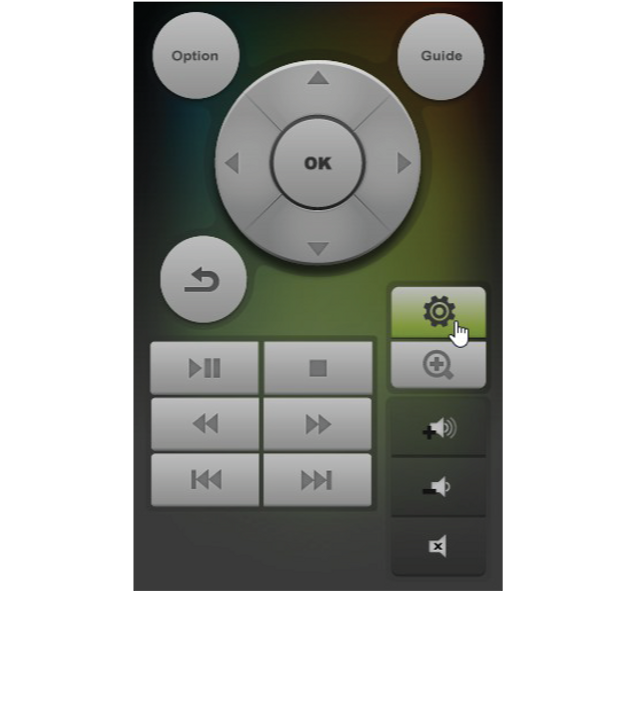

Then click OK to select the Network tab.

Press OK again to select Wired Connection, then scroll to Fixed IP (Manual) and press OK.

Enter the required information and press OK to save the settings and restart the device.

KLIK is now connected to the network using the IP address entered.
Comments
0 comments
Please sign in to leave a comment.